UPDATE:Today I update macOS 26 Tahoe beta 26.3:
- ClashVerge 2.4.3 cannot display the panel, but its still works.
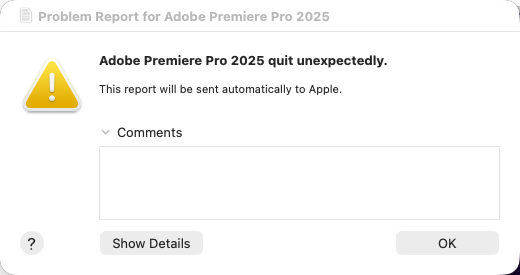
- Premiere Pro 25.20 is cannot open and say quit unexpectedly. I reinstall Pr and it fixed .
你完全可以相信苹果APPLE TRUST
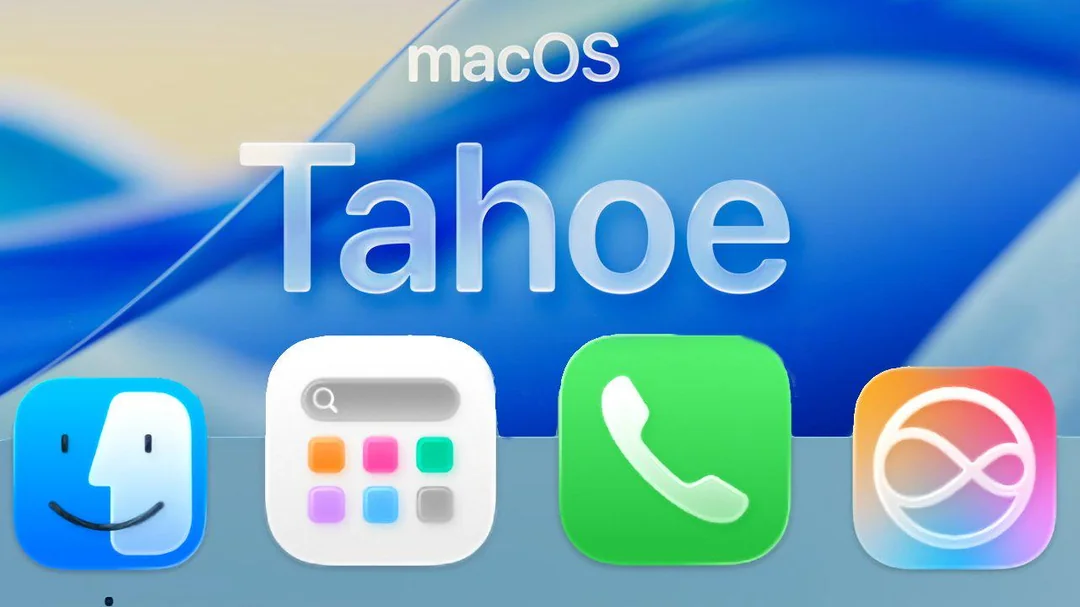
非常喜欢IOS26的玻璃漫反射UI,一直在犹豫是否将主力机Macbook Pro M2从macos 15 sequoia升级到macOS Tahoe 26。
因为平时主要使用的是Adobe系列软件比如 Premiere Pro, After Effects,Photoshop等等软件,对于软件兼容性比较敏感。
网上也搜索了一些Mac用户的反馈,感觉大部分都不太推荐升级,当然也看到了很多朋友说升级之后没有问题。
今天决定升级。首先做的就是数据备份工作,毕竟是主力机,所有使用了MacOS的TimeMachine时间机器做了备份。(备份非常简单,在mac的系统设置里面搜索找到时间机器,然后点选你要用户备份的外接硬盘就可以)
很快就升级完成了。
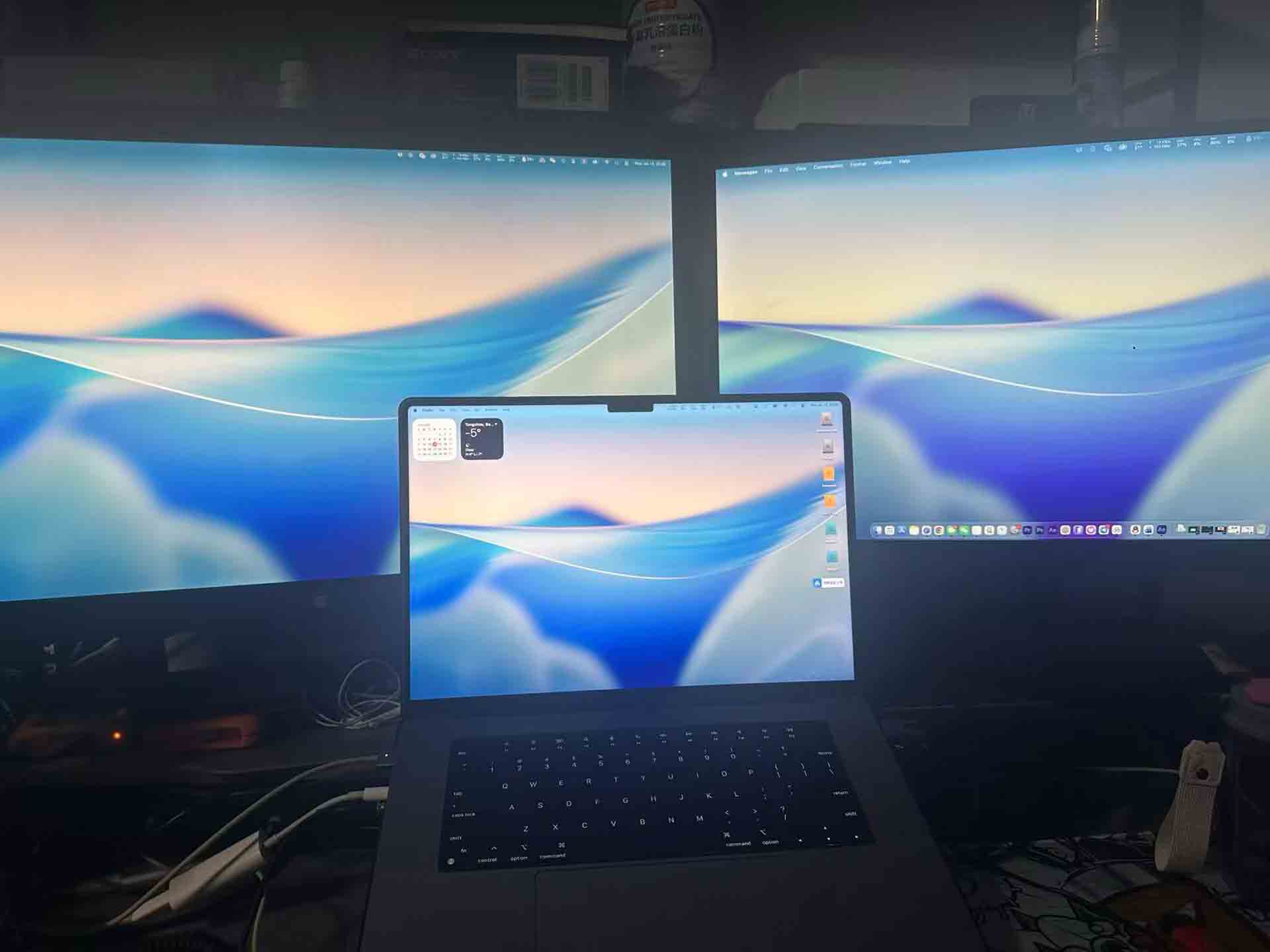
macOS Tahoe 26的UI是见仁见智吧,但是我觉得有新变化就非常有新鲜感。
其他都很OK的,主要说一下Adobe系列软件的情况(主要针对的是视频从业者):
Adobe 2024
- Adobe Premiere Pro 2024 没有问题 运行正常。
- Adobe After Effects 2024 运行正常,但是发现一个BUG就是它的Video Preview视频回放是不正常的。
- Adobe Photoshop 2024 使用正常。

当然结合我之前查询的Adobe关于与macOS Tahoe 26系统兼容性的更新问题,它也是从Adobe 2025系列开始支持的。这个需要大家注意一下。
然后我就测试了一下 Adobe 2025:
- Adobe Premiere Pro 2025 使用正常
- Adobe After Effects 2025 使用正常
- Adobe Photoshop 2025 使用正常
也给大家提供一下 Adobe 系列对 Tahoe的兼容性列表Adobe apps compatibility with macOS
Apps compatible with macOS 26 Tahoe
| Adobe app | Compatible versions | Known compatibility issues |
| Adobe Acrobat DC | 25.001.20693 | |
| Adobe Acrobat Pro and Standard 2020 | 20.005.30803 | Acrobat may freeze after checking the contact permission box in the Adobe Crash Reporter on macOS Tahoe. |
| Adobe Acrobat Pro and Standard 2024 | 24.001.30273 | Acrobat may freeze after checking the contact permission box in the Adobe Crash Reporter on macOS Tahoe. |
| Adobe After Effects | 25.6 and later | |
| Adobe Audition | 25.6 and later | |
| Adobe Bridge | 15.0 and later | |
| Adobe Captivate | 13.0 | |
| Adobe Character Animator | 25.6 and later | |
| Adobe Creative Cloud desktop app | 6.8 and later | |
| Adobe Elements | Adobe Photoshop Elements 2026Adobe Premiere Elements 2026 | Thumbnail display issue when importing media from iPhone |
| Adobe Illustrator | 30.0 | |
| Adobe InCopy | 20.0 | |
| Adobe InDesign | 20.0 | |
| Adobe InDesign Server | 20.0 | |
| Adobe Lightroom | 9.0 | |
| Adobe Lightroom Classic | 15.0 | |
| Adobe Media Encoder | 25.6 and later | |
| Adobe Photoshop | 27.0 | |
| Adobe Premiere Pro | 25.6 and later | |
| Adobe Express | 2025 |
总体来说 macOS Tahoe 还是非常惊艳的!我非常喜欢。如果你也想尝试一下,可以检查一下你的机器的兼容性以及最重要的就是数据备份,万一不喜欢还可以利用备份或者时间机器来回滚。
当然,你完全可以相信苹果APPLE TRUST。
检查与 macOS Tahoe 的兼容性
macOS Tahoe 与以下 Mac 机型兼容。你也可以查看兼容机型的完整列表。
- 2020 年或之后推出的搭载 Apple 芯片的 MacBook Air
- 2020 年或之后推出的搭载 Apple 芯片的 MacBook Pro,以及 MacBook Pro(13 英寸,2020 年,四个雷雳 3 端口)和 MacBook Pro(16 英寸,2019 年)
- 2020 年或之后推出的 Mac mini
- 2020 年或之后推出的 iMac
- 2022 年或之后推出的 Mac Studio
- 2019 年或之后推出的 Mac Pro
一些功能可能仅以某些语言提供,或者仅在部分国家或地区或在部分 Mac 机型上提供。
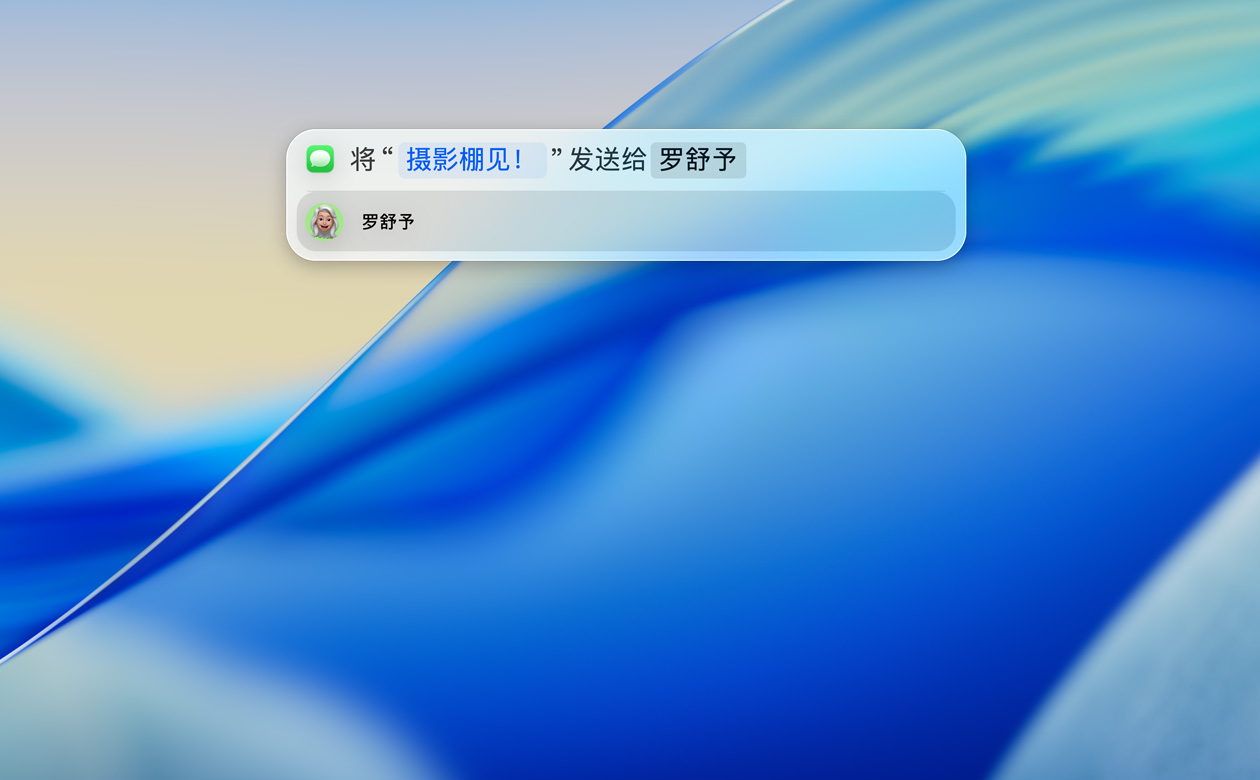
升级前先备份
在升级之前,最好先进行备份。例如,你可以使用“时间机器”,将文件备份到外部储存设备。